Keep your servers close.
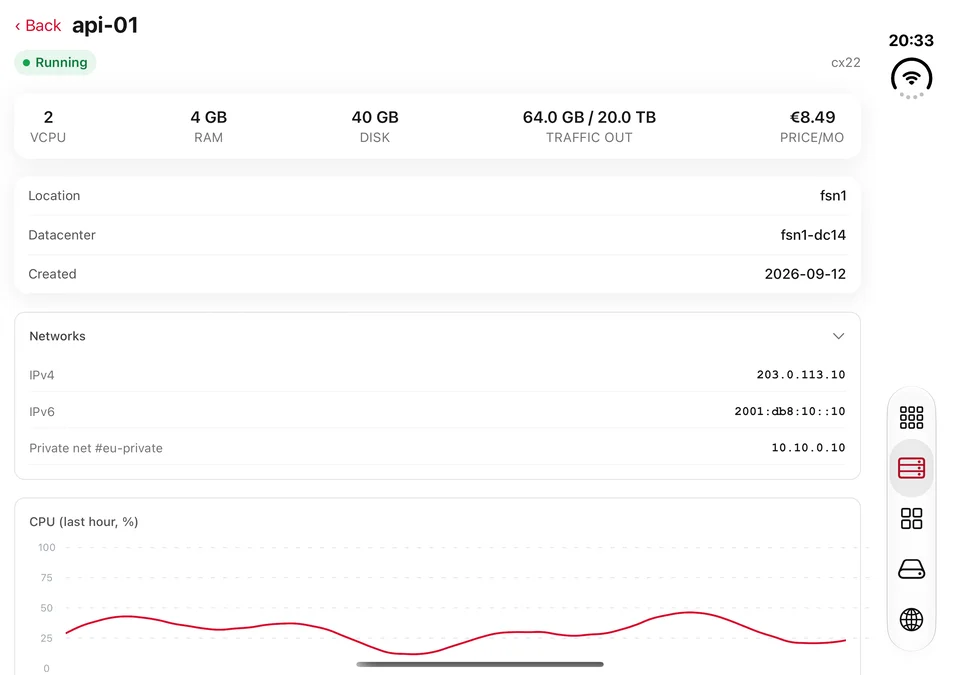
Create, power on, reboot and manage servers. Check CPU and traffic metrics without installing an agent.
Manage servers, storage and DNS across eight cloud providers. One native app for iPhone and iPad. Free to start, with one-time purchases.
Download on theApp StoreComing in Nuverian 1.1: unfold for wider resource grids and navigation that moves to the system rail. Fold or rotate, and your place stays with you.
The same app keeps its familiar native layout on regular iPhones and makes room for more on iPad.
Eight providers. Your choice.
Check what is running, find what needs attention and make the change. Your providers share one clear interface.
Create, power on, reboot and manage servers. Check CPU and traffic metrics without installing an agent.
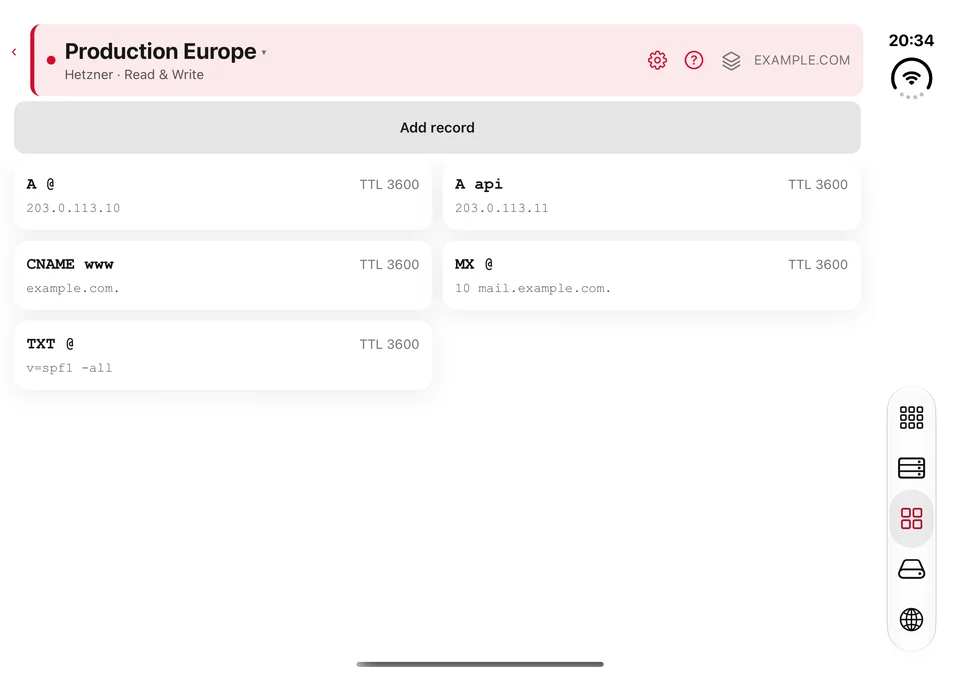
Browse zones and edit the records that point your services in the right direction.
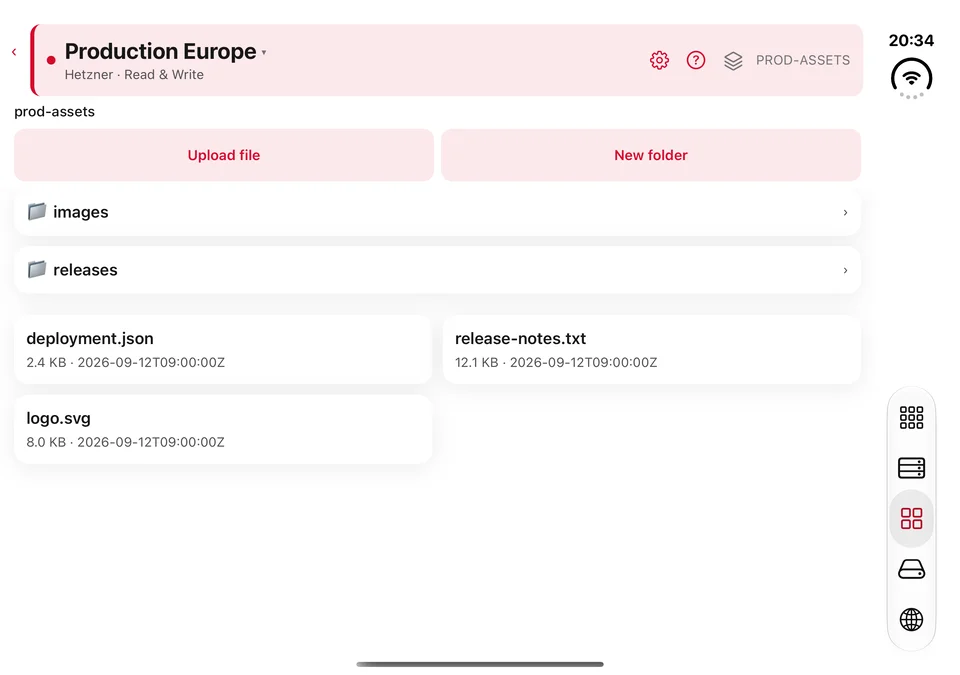
Browse object storage, upload and download files, and organize your buckets.
Available services and actions depend on your provider and account permissions.
Your cloud credentials live in the iOS Keychain. Connections go directly to your provider's official API, never through a Nuverian cloud proxy.
Read the Privacy Policy →Start with one cloud account. Add room when you need it. No Nuverian subscription.
| Choose your setup | One-time price |
|---|---|
| Start freeOne connected account, with one of each resource type you can create. | $0 |
| An extra account slotConnect another account and lift the free resource-creation limits. Add slots individually, up to five accounts. | $9.99per slot |
| All providersUnlimited connected accounts and no Nuverian resource-creation limits, across supported providers. | $49.99 |
US prices shown; local App Store prices may vary. Restore purchases with the same Apple Account. Cloud-provider charges, quotas and permissions still apply.
For the full walkthrough, visit the help centre →
The new Duo layouts are part of Nuverian 1.1, our upcoming update. Nuverian is already available for iPhone and iPad. Check the App Store for the latest version.
Choose your provider and add its API credentials. You will need an existing cloud-provider account. Read the getting-started guide.
Yes. Use a read-only connection to inspect supported resources. Changes require credentials with the appropriate permissions. About cloud connections.
No. Additional account slots and the all-providers unlock are one-time in-app purchases. Plans and purchases explained.
Your data and privacy →All help articles and contact details →